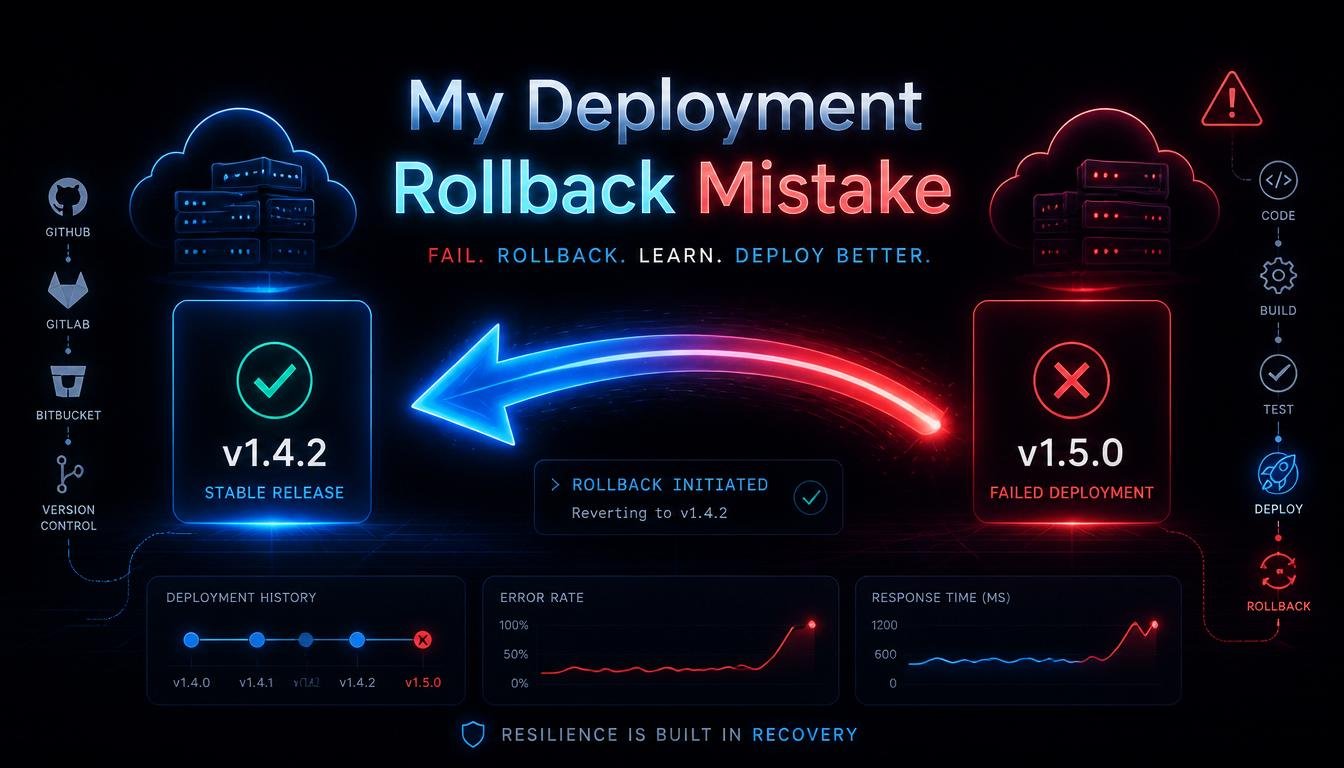
I once triggered a deployment rollback at 2 a.m. that ended up causing more damage than the original bug I was trying to fix. It was one of those nights that permanently changed how I think about rollback strategy. Here’s exactly what went wrong, why it went wrong, and what I do differently now.
The Night It All Went Sideways:
We’d just pushed a new release to production. Within minutes, error rates spiked. Classic incident response mode kicked in, check the logs, check the dashboards, and when the cause wasn’t obvious fast enough, someone (me) made the call: roll it back.
That decision felt safe. Rolling back is supposed to be the “undo button” of software deployment, right? Except our rollback plan wasn’t actually a plan, it was an assumption. And that assumption blew up in a way I still think about.
Mistake One: I Assumed Rollback Meant “Just Redeploy the Old Version”:
My first, and honestly biggest, mistake was treating deployment rollback as simply redeploying the previous application version. In reality, a rollback isn’t just about code, it’s about the entire system state at that point in time, including the database schema, cached data, and any external services the app depends on.
Our new release included a database migration that altered a table structure. When I rolled back the application code without also handling the database change, the old code tried to read from a schema it no longer understood. Instead of fixing the incident, I created a second, worse one.
This is the lesson that stuck with me hardest: application rollback and database rollback are not the same thing, and treating them as interchangeable is one of the most common, and most dangerous, mistakes in DevOps.
Mistake Two: We Didn’t Have a Tested Rollback Path:
Here’s an uncomfortable truth I had to admit afterward: we had never actually tested our rollback process. We tested our deployment pipeline constantly, every release went through CI/CD checks, staging environments, and automated tests. But rolling backward? We just assumed it would work because rolling forward did.
That assumption is incredibly common, and incredibly risky. A rollback strategy that’s never been tested isn’t a strategy, it’s a guess. Since that incident, I’ve made it a hard rule: if you can’t demonstrate a successful rollback in a staging environment, you don’t actually have a rollback plan, you have a hope.
Mistake Three: I Didn’t Account for Irreversible Changes:
Some changes simply can’t be cleanly rolled back, and I learned this the hard way. Schema migrations that drop columns, data transformations that overwrite old values, or third-party API calls that trigger real-world actions (sending emails, charging payments, updating external systems) can’t just be “undone” by redeploying old code.
This taught me the concept of backward-compatible migrations, structuring database changes so that both the old and new application versions can operate against the same schema during a transition period. Instead of dropping a column immediately, for example, you deprecate it first, deploy the new version, confirm stability, and only remove the old column in a later, separate release.
This one shift in approach has probably saved me from repeating that mistake more than anything else I’ve learned since.
Mistake Four: We Rolled Back Without Understanding the Root Cause:
In the panic of that night, we rolled back before we actually understood why error rates had spiked. It turned out the real issue wasn’t even related to the new schema change, it was a misconfigured environment variable that could’ve been fixed with a two-minute change, no rollback required.
Because we jumped straight to rollback without proper root cause analysis, we introduced a second, more complex failure on top of a problem that had a simple fix. Since then, I follow a rule that’s saved me repeatedly: rollback is a mitigation tool, not a diagnostic one. Understand what broke before deciding rollback is even the right move.
What I Changed After That Incident:
That single bad night led to a complete rethink of how our team approaches deployments. Here’s what changed.
We Adopted Blue-Green Deployments:
Blue-green deployment became one of our biggest wins. Instead of deploying directly on top of the running production environment, we maintain two identical environments, one live (“blue”) and one idle (“green”). New releases go to the idle environment first, get verified, and traffic is switched over only once everything checks out.
If something goes wrong, switching traffic back to the previous environment takes seconds, and it doesn’t involve redeploying anything. This single change made rollback dramatically safer and faster.
We Introduced Canary Deployments:
For riskier changes, we now use canary deployments, releasing a new version to a small percentage of production traffic first, monitoring closely, and gradually increasing exposure if everything looks healthy. If something breaks, only a small slice of users are affected, and we can pull back before it becomes a full-scale incident.
This approach turned rollback from an emergency all-or-nothing event into a controlled, gradual process.
We Built Real Feature Flags Into Our Workflow:
Feature flags changed how we think about releases entirely. Instead of tying a rollback to an entire deployment, we can now toggle specific features on or off independently of the deployment itself. If a new feature causes issues, we can disable just that feature instantly, without touching the broader application version running in production.
This decoupled “releasing code” from “releasing functionality”, a distinction I wish I’d understood years earlier.
We Started Treating Database Migrations as a Separate, Careful Process:
After that incident, database changes got their own dedicated review process, separate from regular code review. Every migration now needs to answer a simple question: can the previous application version still function if this migration runs, but the code doesn’t get rolled forward? If the answer is no, the migration gets redesigned to be backward-compatible first.
We Started Practicing Rollbacks, Not Just Deployments:
This was maybe the biggest mindset shift. We now periodically run rollback drills in staging, deliberately deploying a version, then rolling it back, just to confirm the process actually works end-to-end. It sounds obvious in hindsight, but before that incident, it genuinely never occurred to us that a rollback plan needed practice the same way a deployment plan did.
Building a Real Rollback Checklist:
Out of everything I learned, here’s the rollback checklist I now use before any significant release:
- Is the database migration backward-compatible with the previous app version?
- Have we tested this exact rollback path in staging, not just theorized about it?
- Are there any external API calls or side effects that can’t be undone by rolling back code alone?
- Do we have monitoring and alerting in place to detect issues quickly, before a rollback becomes urgent?
- Is there a feature flag option that could resolve the issue without a full rollback?
- Who has the authority to make the rollback call, and is that clearly defined ahead of time, not decided in the heat of the moment?
Having this list ready before a crisis hits has completely changed how confidently our team responds to production incidents.
Why Monitoring and Observability Matter More Than I Realized:
That night also taught me how much a rollback decision depends on good observability. Without clear, real-time visibility into error rates, latency, and system health, you’re making rollback decisions based on gut feeling instead of data.
Since then, we’ve invested heavily in better logging, distributed tracing, and real-time dashboards, specifically so that when something does go wrong, we can diagnose it fast enough to make an informed decision, rollback or otherwise, instead of panicking into the first option that seems safe.
The Bigger Lesson: Rollback Is Part of the Deployment, Not an Afterthought:
If there’s one overarching lesson from that mistake, it’s this: a rollback strategy isn’t something you figure out during an incident, it has to be designed alongside the deployment process itself, from day one. Treating rollback as an afterthought is exactly what turned a manageable bug into a much bigger outage that night.
Good zero-downtime deployment practices, backward-compatible migrations, feature flags, and tested rollback paths aren’t nice-to-haves. They’re the difference between a quick, controlled recovery and a 2 a.m. mistake that makes everything worse.
Final Thoughts:
That deployment rollback mistake was humbling, but it fundamentally changed how I approach releases today. Rollback isn’t a magic undo button, it’s a process that needs the same care, testing, and planning as the deployment itself. If you only take one thing from my mistake, let it be this: test your rollback path before you ever need it in a real crisis.
FAQs:
1. What is a deployment rollback?
It’s the process of reverting a system to a previous stable version after a problematic release.
2. Can you always roll back a database migration?
No, some migrations are irreversible, which is why backward-compatible migrations are recommended.
3. What’s the difference between blue-green and canary deployments?
Blue-green switches all traffic between two environments instantly, while canary gradually rolls out to a small user percentage first.
4. Why are feature flags useful during a rollback situation?
They let you disable a specific feature instantly without rolling back the entire deployment.
5. Should rollback plans be tested before an incident happens?
Yes, untested rollback paths often fail or cause new issues when actually needed.
6. What should be checked before triggering a rollback?
Confirm root cause, migration compatibility, and whether a feature flag could resolve the issue instead.